


A forced change that's turning into a major upgrade.
So we were notified in the new year that Ready Player Me was acquired by Netflix and would shut down third-party access on Jan 31st. That meant their avatars would no longer be available in Previs Pro or any third party app. We share your frustration — but we've rolled up our sleeves, scrambled, and think you're going to end up with something even better.
Your Existing Characters Are Safe
If you've already created characters using Ready Player Me, they're yours to keep. You can continue using them across all your projects, import them into new scenes, and work with them exactly as before. In your new project, go to the Scene view and look for the icon in the upper right corner that lets you import scenes, props, and characters. Using this, you can move any characters — RPM or otherwise — from one project to another.
What's New: AI-Generated Characters
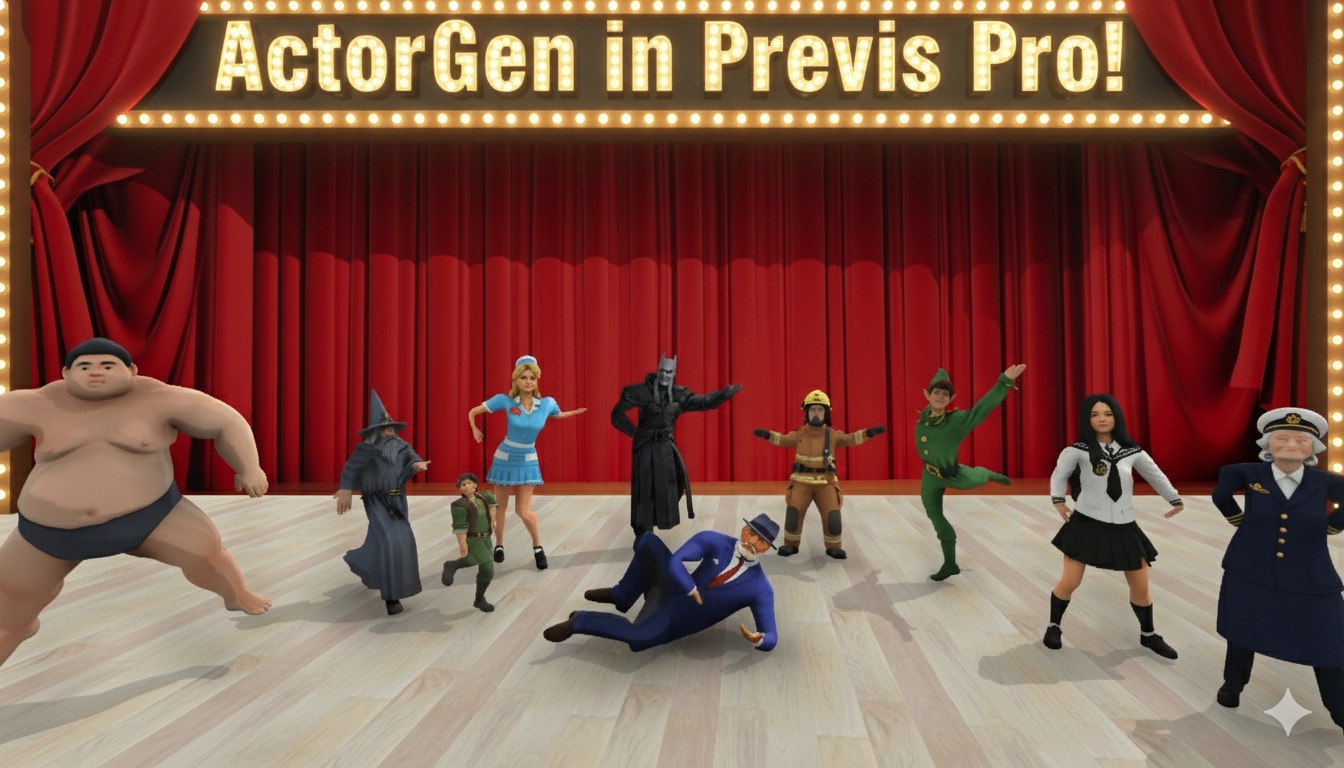
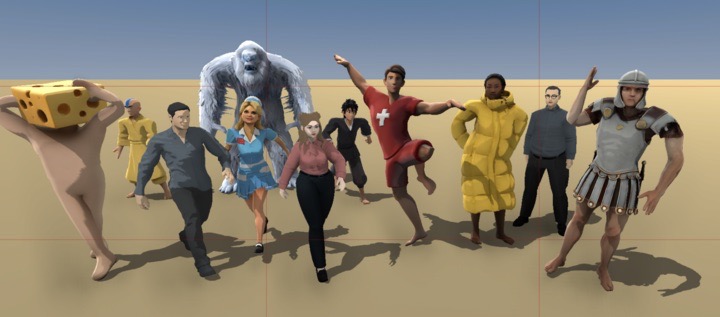
Just like our PropGen feature, we're now using AI to generate any huminoid character you can imagine. This is a big improvement over the K-pop / Gen Z aesthetic that came standard with every Ready Player Me avatar. Want a weathered detective? A grandmother in a housecoat? A construction foreman? Now you can actually get characters that look the part.
Head to the App Store to download the update now.
What to Know About This Release
This is brand new, and like any new system it has some rough edges. Here's what to expect:
- Designed for human shapes. The system works best with standard human proportions. The further a character's shape gets from "normal," the more issues you'll run into.
- Clothing matters. Regular everyday clothes work great. A puffy jacket and hat should be fine. A flowing wedding dress or elaborate Halloween costume may have errors.
- Posing works, expressions don't — yet. Generated characters currently support posing but not facial expressions or hand gestures. We recommend using our default actors for your main cast, and custom characters for specific needs — a police officer, a grandma, a nurse, etc.
- AI can be unpredictable. Sometimes the resulting model won't work or won't look like what you intended. If that happens, simply try again. But don't go chasing perfection — remember, this is previs. It's okay if things aren't pixel-perfect as long as they capture your vision and get your framing, lighting, and blocking right.
- Shoulders can be too wide/narrow. After you've created the actor but before you've saved it, you'll be at a screen that lets you see the actor in various poses. Up top there are three buttons to manually set shoulder width small/medium/large. Often, espeically with women with bare shoulders/dresses you'll want to make their shoulders narrow.
- StyleGrading helps. If you notice small imperfections in your models or scenes, StyleGrading your finished shot can be a great way to smooth things over. We're working on significantly improved style grading for a future update.
- Usage limits apply. Generating characters costs money on our end, so creation is limited to 20 per hour and 99 per day. There's no limit on using props or characters once they're created. Hopefully you won't hit the ceiling!
Looking Ahead
Things are improving fast. This system will get better quickly, and with this release not only should your previs not slow down — it should get even better. We're excited to keep bringing improvements to Previs Pro.
Til next time,
Ian
Ian Lynch Smith, CEO
P.S. And as always, thank you for your patience as we work through this transition. And if you're on the fence, subscribe and give it a year. It will 100% save you time, and time is money, and money is... well, money. Previs Pro lets you iron out the kinks before you step foot on set. That means smoother productions, fewer surprises, and a lot less headache for everyone involved. Your crew will thank you.
Follow us on Instagram here