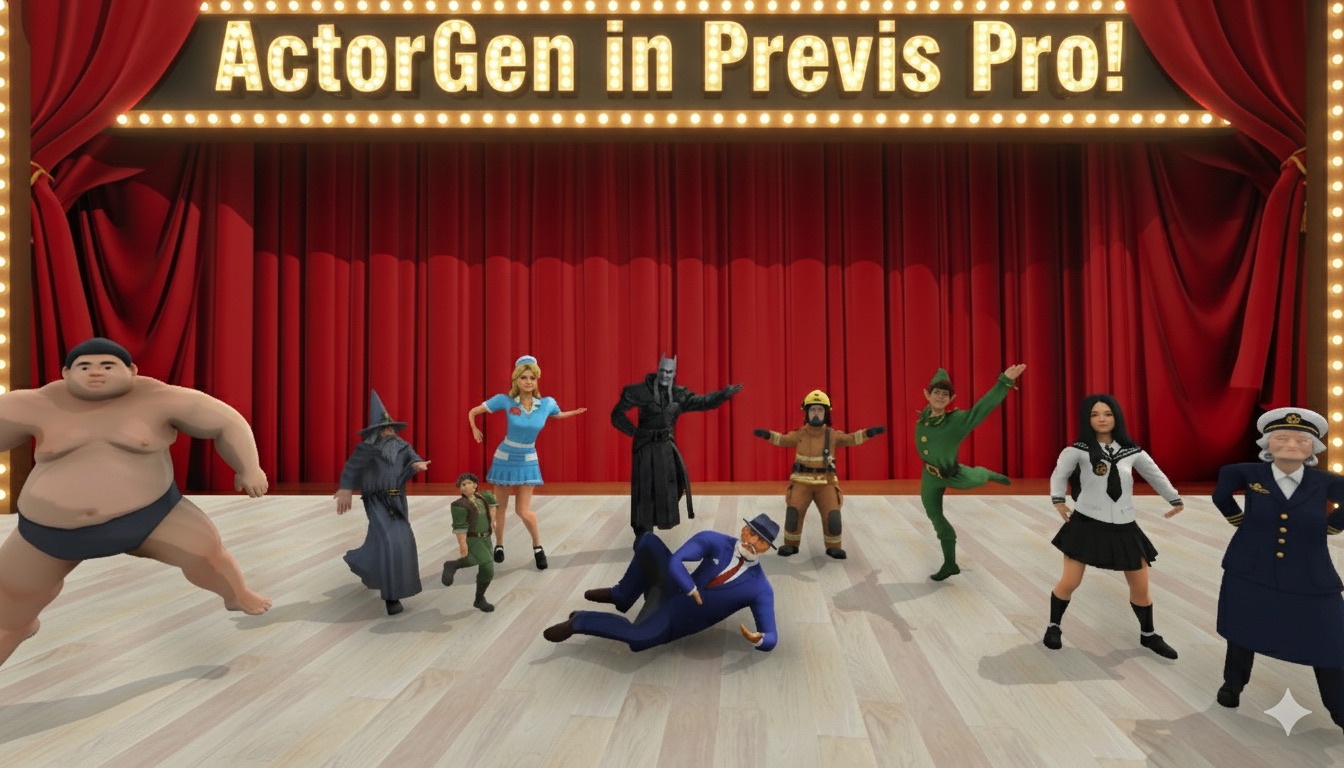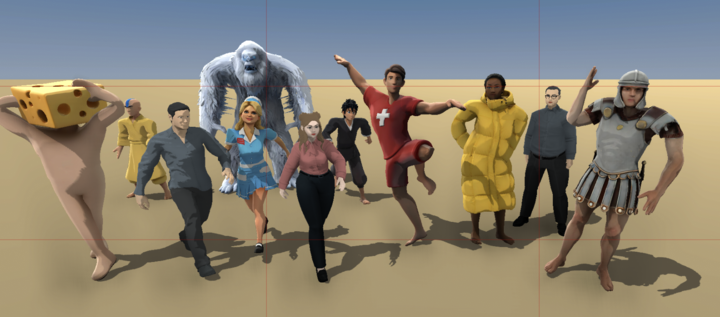
About ActorGen:
- Designed for human shapes. The system works best with standard human proportions. The further a character's shape gets from "normal," the more issues you'll run into.
- Clothing matters. Regular everyday clothes work great. A puffy jacket and hat should be fine. A flowing wedding dress or elaborate Halloween costume may have errors.
- Posing works, expressions don't — yet. Generated characters currently support posing but not facial expressions or hand gestures. We recommend using our default actors for your main cast, and custom characters for specific needs — a police officer, a grandma, a nurse, etc.
- AI can be unpredictable. Sometimes the resulting model won't work or won't look like what you intended. If that happens, simply try again. But don't go chasing perfection — remember, this is previs. It's okay if things aren't pixel-perfect as long as they capture your vision and get your framing, lighting, and blocking right.
- Shoulders can be too wide/narrow. After you've created the actor but before you've saved it, you'll be at a screen that lets you see the actor in various poses. Up top there are three buttons to manually set shoulder width small/medium/large. Often, espeically with women with bare shoulders/dresses you'll want to make their shoulders narrow.
- StyleGrading helps. If you notice small imperfections in your models or scenes, StyleGrading your finished shot can be a great way to smooth things over. We're working on significantly improved style grading for a future update.
- Usage limits apply. Generating characters costs money on our end, so creation is limited to 20 per hour and 99 per day. There's no limit on using props or characters once they're created. Hopefully you won't hit the ceiling!